美化说明:
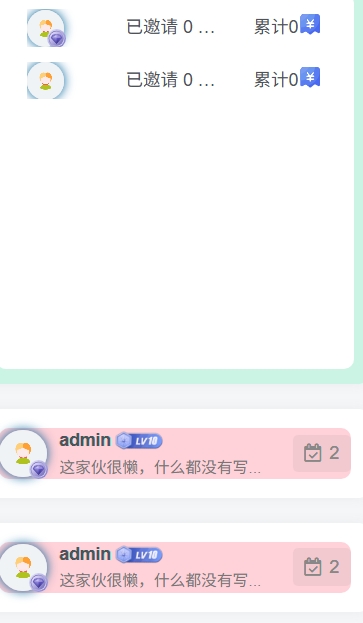
这篇文章介绍了如何在子比主题中给签到功能增加五彩缤纷的背景颜色。
作者提供了一个子比自带的小工具,名为”Zibll 用户排行榜”,用于签到,通常将其放置在侧边栏。
文章指导读者通过后台的”自定义代码”选项来添加自定义CSS样式,以实现背景颜色的美化。
图片演示:
部署教程:
主题后台>>自定义代码>>自定义CSS样式
/*加点颜色加点料*/
.user-ranking-item.relative {
    background: #ffd1d8;
    border-radius: var(--main-radius);
}

.user-ranking-item.relative:nth-child(1) {
    background: #ffd1d8;
}

.user-ranking-item.relative:nth-child(2) {
    background: #ffa50085;
}

.user-ranking-item.relative:nth-child(3) {
    background: #ffff0080;
}

.user-ranking-item.relative:nth-child(4) {
    background: #98ff0073;
}

.user-ranking-item.relative:nth-child(5) {
    background: #c4cffa;
}

.user-ranking-item.relative:nth-child(6) {
    background: #c97eff75;
}

.user-ranking-item.relative:nth-child(7) {
    background: #82eee782;
}

.user-ranking-item.relative:nth-child(8) {
    background: #ff559480;
}

.user-ranking-item.relative:nth-child(9) {
    background: #089e0f7d;
}

.enlighter-default .enlighter{max-height:400px;overflow-y:auto !important;}.posts-item .item-heading>a {font-weight: bold;color: unset;}.lazyloaded{--lazy-animation: lazy_fade;}@media (max-width:640px) {
    .meta-right .meta-view{
      display: unset !important;
    }
  }



水帖美如花,养护靠大家!